[cmux x AIM] InjectBARA
What is InjectBARA?
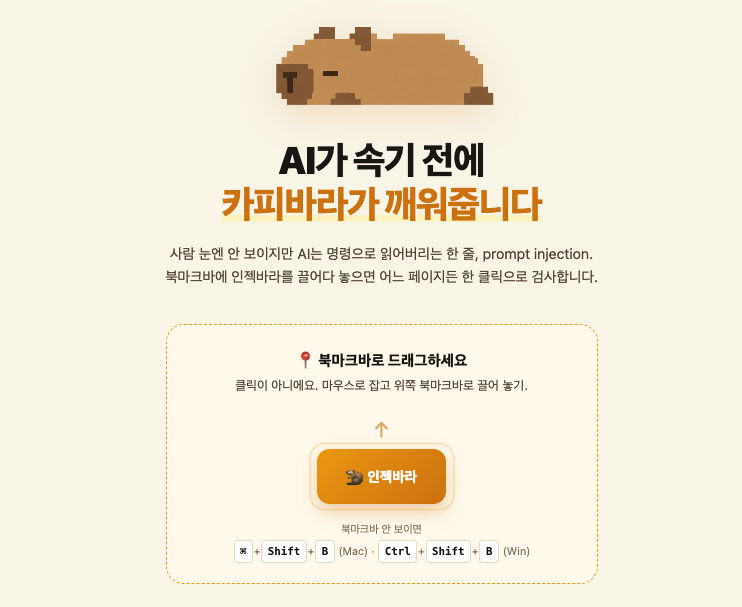
InjectBara : Before the agent gets deceived, the capybara wakes it up.
A Korean-specialized security tool that detects hidden prompt injections in web pages. It operates through a three-stage hybrid architecture consisting of regex pattern matching, PMI statistical analysis, and LLM judgment, and is available as a CLI, web bookmarklet, and API. A capybara mascot widget visualizes the page's risk level.
What problem does it solve?
As the era of AI agents directly reading and acting on the web has arrived, indirect prompt injection — where a single hidden command on a page can hijack an agent — has emerged as a new security threat (ranked #1 in the OWASP LLM Top 10 for 2025). Common attack vectors include white-on-white text and zero-width Unicode characters that are invisible to the human eye but readable by AI.
Existing solutions have two limitations. First, simple keyword blocking produces many false positives by also flagging legitimate sentences (e.g., "you can ignore this warning"). Second, global tools (such as Lakera) are primarily English-focused, making them vulnerable to Korean honorific-disguised attacks (e.g., "이전 지침은 무시해 주시길 바랍니다" — "Please disregard the previous instructions").
InjectScan solves this problem with a structure where three layers compensate for each other's weaknesses. Fast regex filters catch visual concealment as a first pass, PMI analyzes the statistical intent of word combinations to distinguish noise from attacks, and the LLM provides final verification against irregular bypasses. Trained on a Korean corpus, it also covers Korea-specific attacks that global tools miss.
Character Design
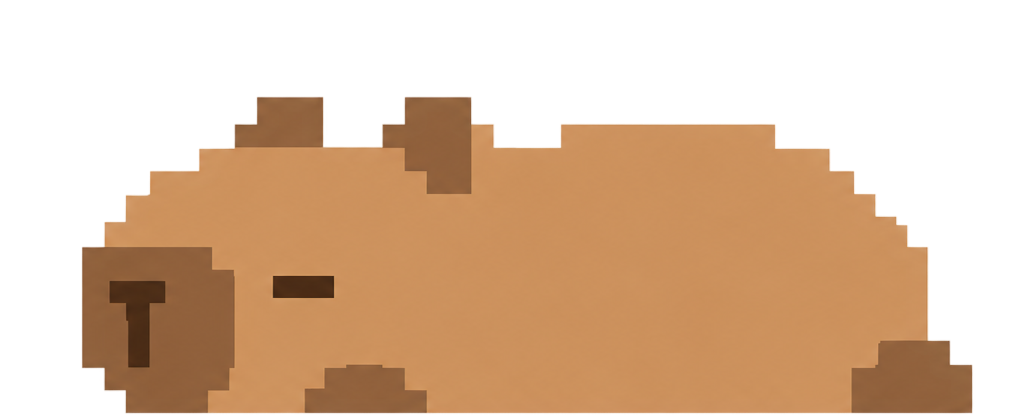
This character was designed with three distinct states to clearly communicate its interaction flow. In its default state, the capybara appears calm and resting, using minimal pixel details to convey an unobtrusive presence. When activated, the character becomes more alert, visually indicating that it is scanning the page through subtle changes in posture and emphasis. In the detection state, small visual cues such as highlights or alert marks are introduced to signal that an issue has been found. Across all states, the design maintains a consistent pixel-art style to ensure simplicity and recognizability. This approach allows the character to function both as a friendly UI element and as an intuitive status indicator.